
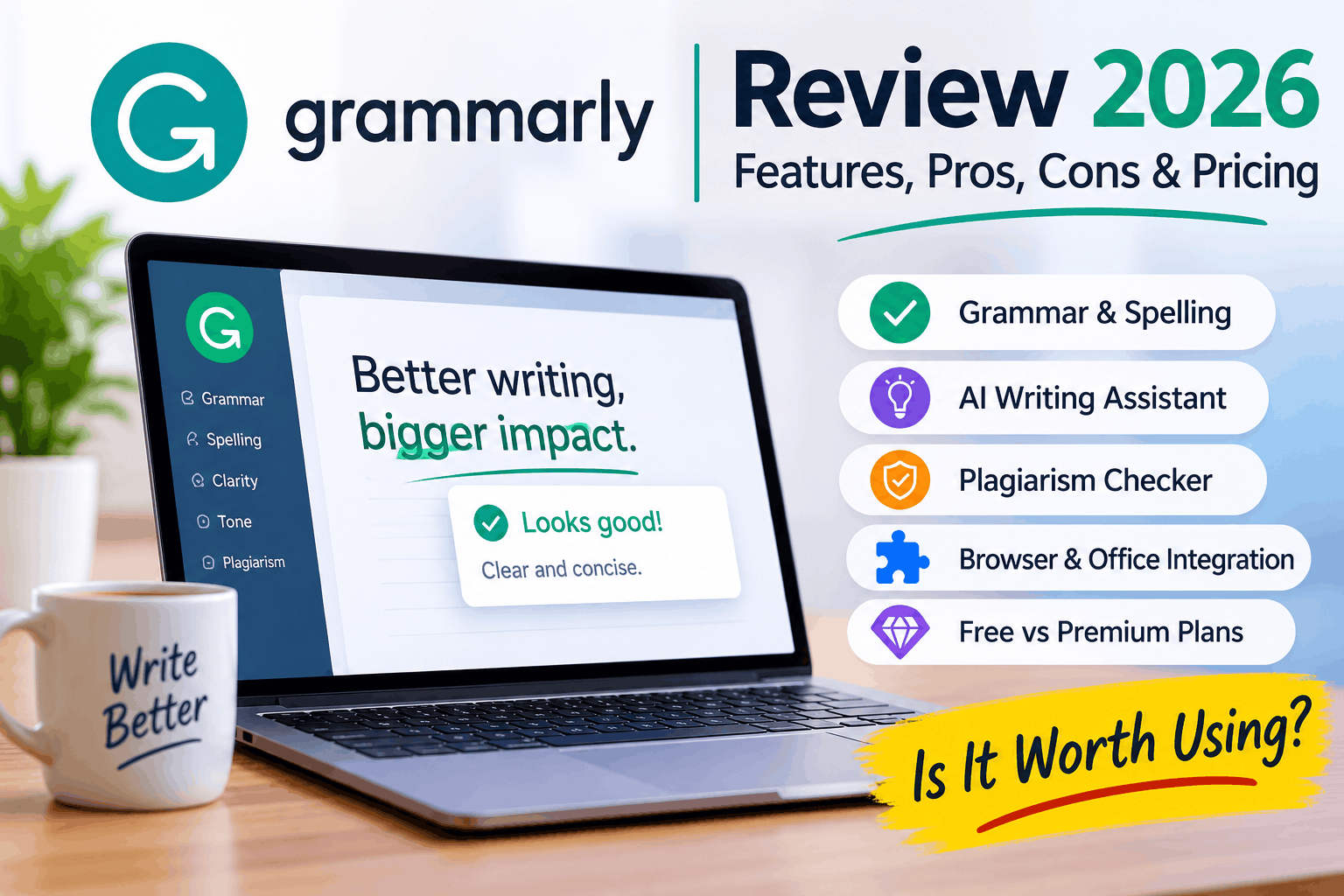
Good writing is about more than correct spelling. It also needs clear sentences, proper grammar, the right words and a tone that suits the reader.
This is where Grammarly can help.
Grammarly is an AI-powered writing assistant that helps users improve their written English. It checks grammar, spelling, punctuation, clarity and tone. It also offers suggestions to rewrite sentences and make content easier to understand.
Since its early days as an online grammar checker, Grammarly has grown into a broader writing platform. It now includes AI writing assistance, text generation, plagiarism detection and other tools that support different stages of the writing process.
Grammarly is useful for students, bloggers, content writers, professionals, businesses and anyone who writes regularly.
But is Grammarly really worth using? What can it do, and where does it fall short?
Let’s look at its main features, benefits and limitations.
1. Grammar and Punctuation Checker
Grammar is one of the main reasons people use Grammarly.
The tool checks your writing and highlights possible grammar and punctuation mistakes. It can identify issues such as:
- Incorrect verb forms.
- Subject-verb agreement errors.
- Missing or unnecessary punctuation.
- Incorrect use of articles.
- Sentence fragments.
- Incorrect pronoun usage.
- Problems with sentence structure.
Grammarly also explains many of its suggestions. This helps users understand why a sentence may need correction.
For example:
Original: She don’t like working late.
Suggested correction: She doesn’t like working late.
This makes Grammarly useful not only for correcting mistakes but also for learning basic grammar rules.
However, Grammarly is not perfect. Some suggestions may not fit the intended meaning or writing style. Always review a correction before accepting it.
2. Spelling and Contextual Word Suggestions
A normal spell checker looks for incorrectly spelled words. Grammarly goes further by checking how words are used in a sentence.
For example:
- Their going to the office.
- They’re going to the office.
Both words are correctly spelled, but only the second sentence is correct in this context.
Grammarly can identify many such mistakes and suggest the right word.
It also helps with commonly confused words, unnecessary repetition and word choices that make sentences difficult to understand.
This feature is particularly useful for people who write emails, articles, reports and business documents.
3. Clarity and Sentence Structure
Correct grammar does not always mean good writing.
A sentence can be grammatically correct but still sound confusing, lengthy or unnatural.
Grammarly offers suggestions to improve sentence clarity, readability and conciseness.
For example, it may recommend:
- Replacing complicated phrases with simpler words.
- Removing unnecessary words.
- Breaking long sentences into shorter ones.
- Improving sentence flow.
- Making unclear statements easier to understand.
These suggestions are useful for bloggers, website owners, students and professionals.
The goal is not to make every sentence sound formal. It is to make the message easier for the reader to understand.
4. AI Writing Assistant and Sentence Rewriting
One of the biggest changes in Grammarly is the addition of AI-powered writing features.
Grammarly can help users generate, rewrite and improve content using AI.
Depending on the available plan and feature, users can:
- Rewrite complete sentences.
- Change the tone of a message.
- Improve the flow of paragraphs.
- Generate text from instructions.
- Create and refine drafts.
- Make content more concise or professional.
For example, you can ask Grammarly to make a sentence sound more professional or rewrite a paragraph in simpler English.
These tools can save time when preparing emails, proposals, website content and business communications.
However, AI-generated content should never be published without reviewing it. Check the facts, context and tone before using the final version.
5. Plagiarism Checker
Originality is important when publishing articles, academic assignments and professional content.
Grammarly offers a plagiarism checker that compares submitted text against sources in its available databases.
It can help identify text that may match existing online or published material. This allows writers to review possible similarities and add citations where required.
A plagiarism checker is useful for:
- Bloggers and content writers.
- Students and researchers.
- Academic writers.
- Website owners.
- Editors and publishing teams.
Important: A plagiarism checker cannot guarantee that a document is completely original. Its results depend on the sources and databases it can access. A similarity result also does not automatically prove plagiarism.
You should always verify the source and provide proper attribution.
Availability of this feature depends on the Grammarly plan and the platform being used.
6. Tone Detection and Writing Style
The same message can sound different depending on how it is written.
An email to a customer should not necessarily sound like a message to a friend. A business proposal may require a more formal tone than a social media post.
Grammarly can analyse the tone of your writing and provide suggestions to help you communicate more effectively.
It can help users work towards a tone that is:
- Professional.
- Friendly.
- Formal.
- Confident.
- Clear and direct.
Paid features also provide additional tone and rewriting controls.
This is particularly useful for people who communicate with clients, customers, colleagues and business partners.
7. Grammarly Browser Extension
The Grammarly browser extension makes it easier to check writing without constantly switching between applications.
Once installed, it can provide writing suggestions on supported websites and online platforms.
It is useful when writing:
- Emails.
- Blog comments.
- Social media posts.
- Website content.
- Online forms.
- Business messages.
The extension is available for popular browsers, including Google Chrome and Microsoft Edge.
It can help identify errors while you write, making the editing process faster and more convenient.
Some advanced features may require a paid subscription.
8. Microsoft Word, Outlook and Google Docs Integration
Many people prefer writing in familiar applications rather than using a separate online editor.
Grammarly supports writing workflows across several popular platforms.
Depending on your device, account and available integration, you can use Grammarly with:
- Microsoft Word.
- Microsoft Outlook.
- Google Docs.
- Web browsers.
- Grammarly’s own online editor.
This makes it easier to review documents, emails and other written content.
For people who regularly prepare reports, business proposals, assignments and professional emails, these integrations can save time.
The available features may differ between desktop applications, browser extensions and online documents.
9. Grammarly AI Writing Tools and Docs
Grammarly has also developed its own AI-powered document editor, known as Docs.
It provides a writing environment where users can draft, edit and improve content with the help of AI tools.
Depending on availability and subscription, its tools can support tasks such as:
- Rewriting and paraphrasing.
- Finding supporting sources.
- Reviewing arguments.
- Checking writing quality.
- Detecting possible AI-generated text.
- Checking for plagiarism.
- Reviewing how an audience may interpret a document.
This takes Grammarly beyond traditional grammar correction.
Instead of simply identifying mistakes, the platform can help users work on the content itself.
10. Grammarly Free vs Paid Plans
Grammarly offers a free plan and paid options for users who need more advanced writing assistance.
The exact features and limits can change, so it is worth checking the official pricing page before subscribing.
Grammarly Free
The free version is a good starting point for everyday writing.
It includes essential writing assistance, such as:
- Grammar correction.
- Spelling checks.
- Punctuation suggestions.
- Basic writing assistance.
- Writing tone feedback.
- Limited AI text generation.
It is suitable for students, casual writers and people who mainly need help correcting everyday writing mistakes.
Grammarly Pro
Grammarly Pro is designed for users who need more advanced writing features.
Depending on the current subscription and eligibility, it includes:
- Full-sentence rewriting.
- Advanced tone adjustments.
- More detailed writing suggestions.
- Plagiarism detection.
- AI text detection.
- Additional AI writing prompts.
- Advanced writing support.
It may be useful for professional writers, bloggers, freelancers, students and businesses that produce content regularly.
Grammarly Enterprise
Larger organisations may need more than individual writing assistance.
Grammarly’s enterprise offering includes additional team management, security and administration features.
It is designed for organisations that want consistent communication across teams and departments.
Check the latest plans: Grammarly Pricing and Plans
Advantages of Grammarly
Here are some of the main benefits of using Grammarly:
- Easy to use: Its interface makes it simple to identify and review writing suggestions.
- Real-time assistance: It can highlight writing issues while you type on supported platforms.
- Better sentence clarity: It helps make complicated sentences easier to understand.
- Contextual suggestions: It can identify many incorrectly used words that basic spell checkers miss.
- AI writing support: It can help generate, rewrite and improve content.
- Multiple integrations: It works across several popular writing environments.
- Free option: Users can access essential writing assistance without purchasing a subscription.
Limitations of Grammarly
Although Grammarly offers many useful features, it is not a replacement for human editing.
Some limitations are worth considering:
- It may misunderstand the context of a sentence.
- Some suggested changes may affect the original meaning.
- It may not recognise every industry-specific term or writing preference.
- Advanced features require a paid plan.
- Plagiarism and AI detection results are not guaranteed to be accurate.
- Its suggestions should not replace fact-checking or editorial judgement.
Writers should treat Grammarly as an assistant rather than an authority.
Who Should Use Grammarly?
Grammarly can be useful for people who write regularly.
Students: To check assignments, improve sentence structure and identify common grammar mistakes.
Bloggers: To edit articles, improve readability and prepare content for publication.
Content Writers: To review spelling, grammar, tone and sentence flow.
Professionals: To prepare clear emails, reports, presentations and business documents.
Businesses: To maintain consistent and professional communication with customers and employees.
Freelancers: To improve proposals, client messages and other written communication.
Final Verdict: Is Grammarly Worth Using in 2026?
Grammarly has come a long way from being a basic online grammar checker.
It now offers a wider range of tools for grammar correction, sentence rewriting, tone improvement, AI-assisted writing and plagiarism checking.
The free version is a practical choice for people who want to correct everyday writing mistakes. Grammarly Pro may be worth considering if you regularly write articles, business documents, emails or other professional content.
However, no automated writing tool can understand every situation perfectly. Human judgement is still important, especially when writing content that requires accuracy, originality and a specific tone.
Our verdict: Grammarly is a useful writing assistant for students, bloggers, professionals and businesses. It can save editing time and improve written communication, provided you review its suggestions instead of accepting every correction blindly.
Official Website: https://www.grammarly.com/